
EzDent-i
Unified 2D diagnosis and consultation
- Windows 10/11
- 64-bit
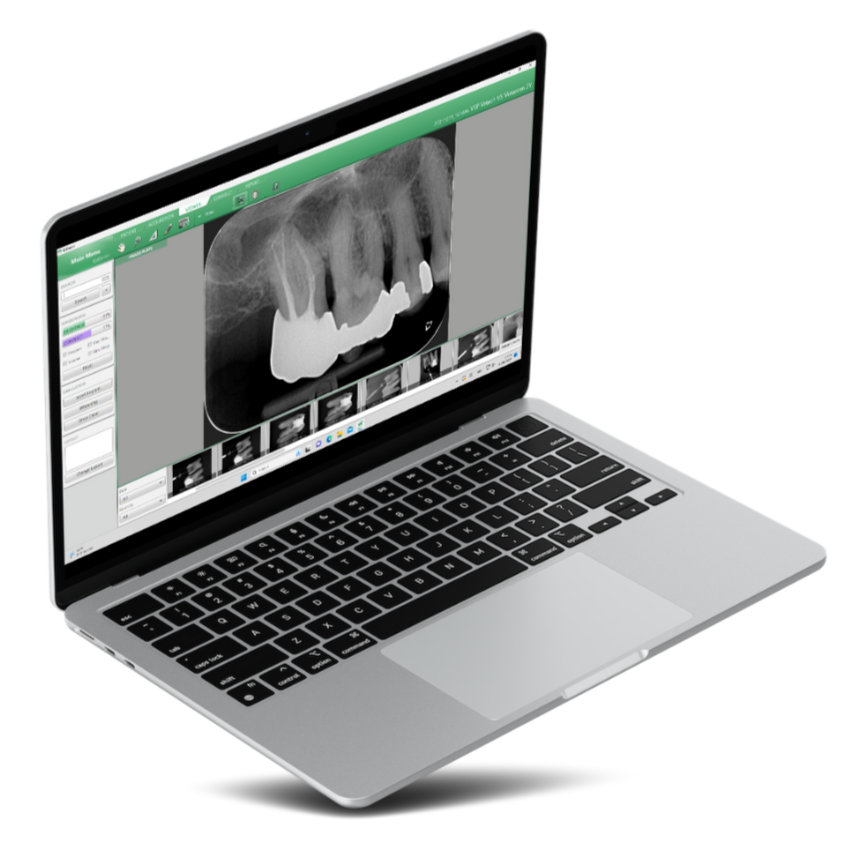
What it does
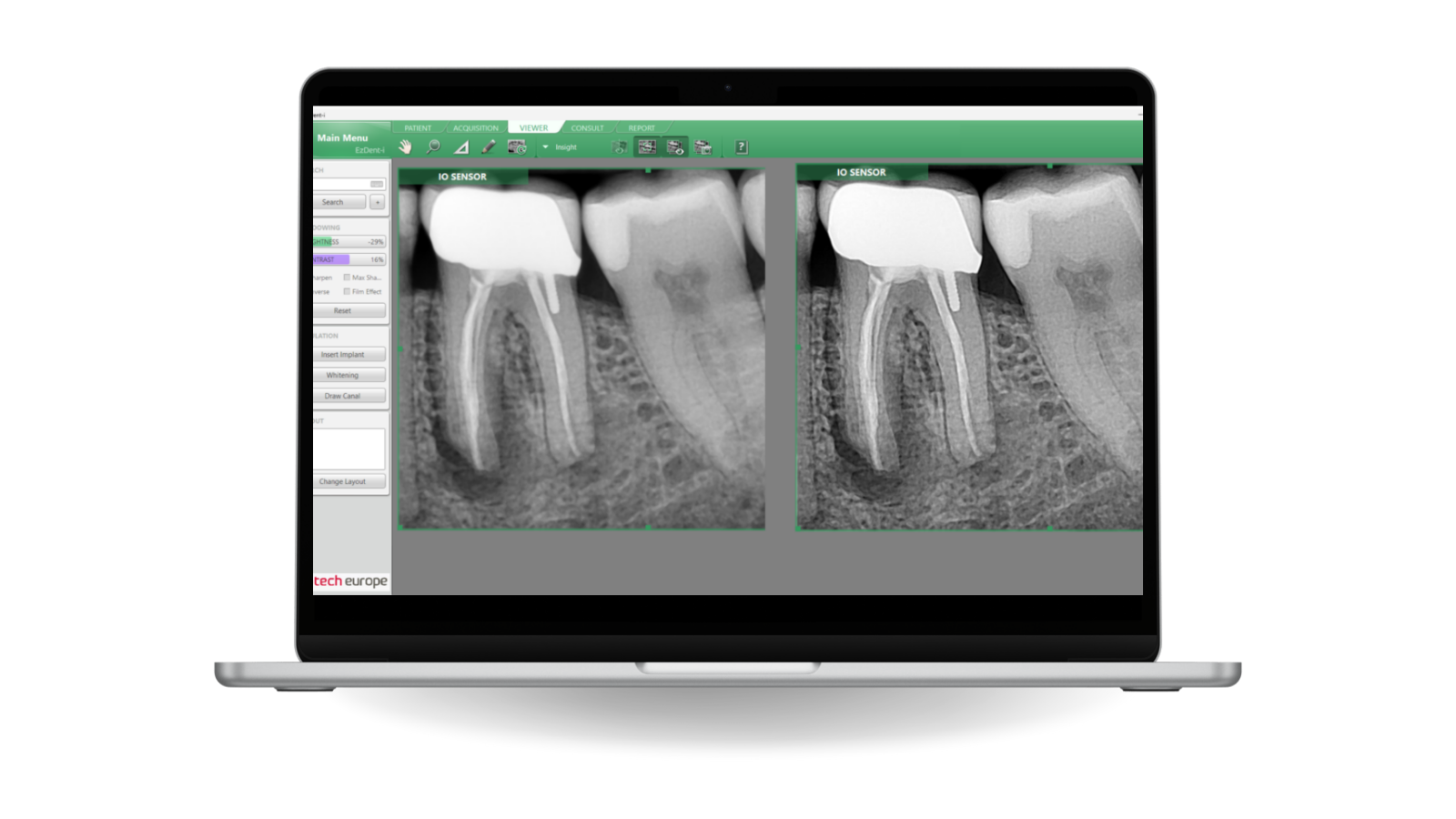
EzDent-i is the software your VATECH system captures into, and it is built to do two jobs at once: give you the tools to read the image, and give the patient a reason to say yes to the treatment. Image management, implant and canal simulation, a library of over 200 consultation animations and case reporting all sit in the same window, so the conversation happens beside the radiograph rather than after it.
See EzDent-i on your own cases
Book a walkthrough and we'll run it against the kind of work your clinic actually does.
Take a closer look.

-
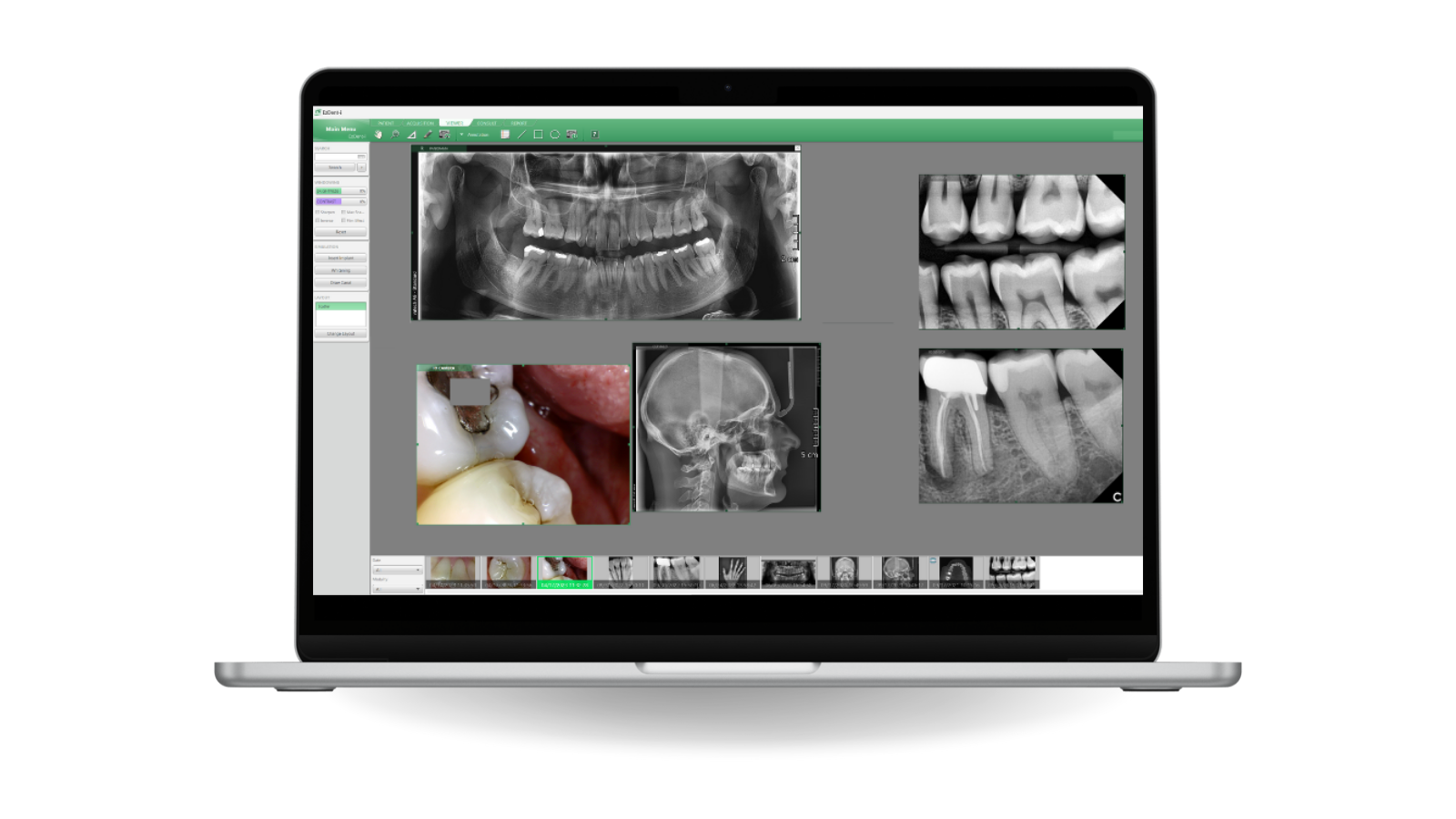
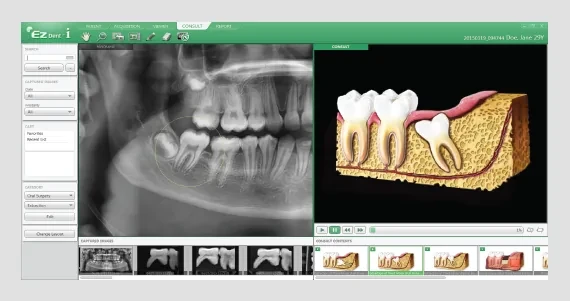
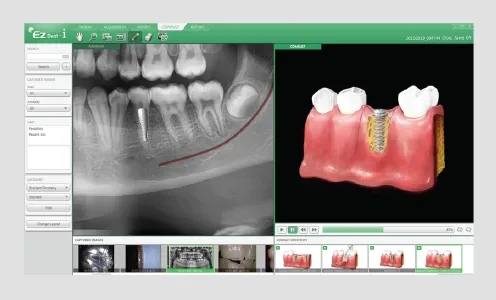
2-in-1 Communication. Diagnose and consult at the same time, on the same screen, instead of closing one program to open another. The image the clinician is reading is the image the patient is looking at, with the explanation layered on top of it. Case acceptance goes up because the reasoning is visible rather than described.
-
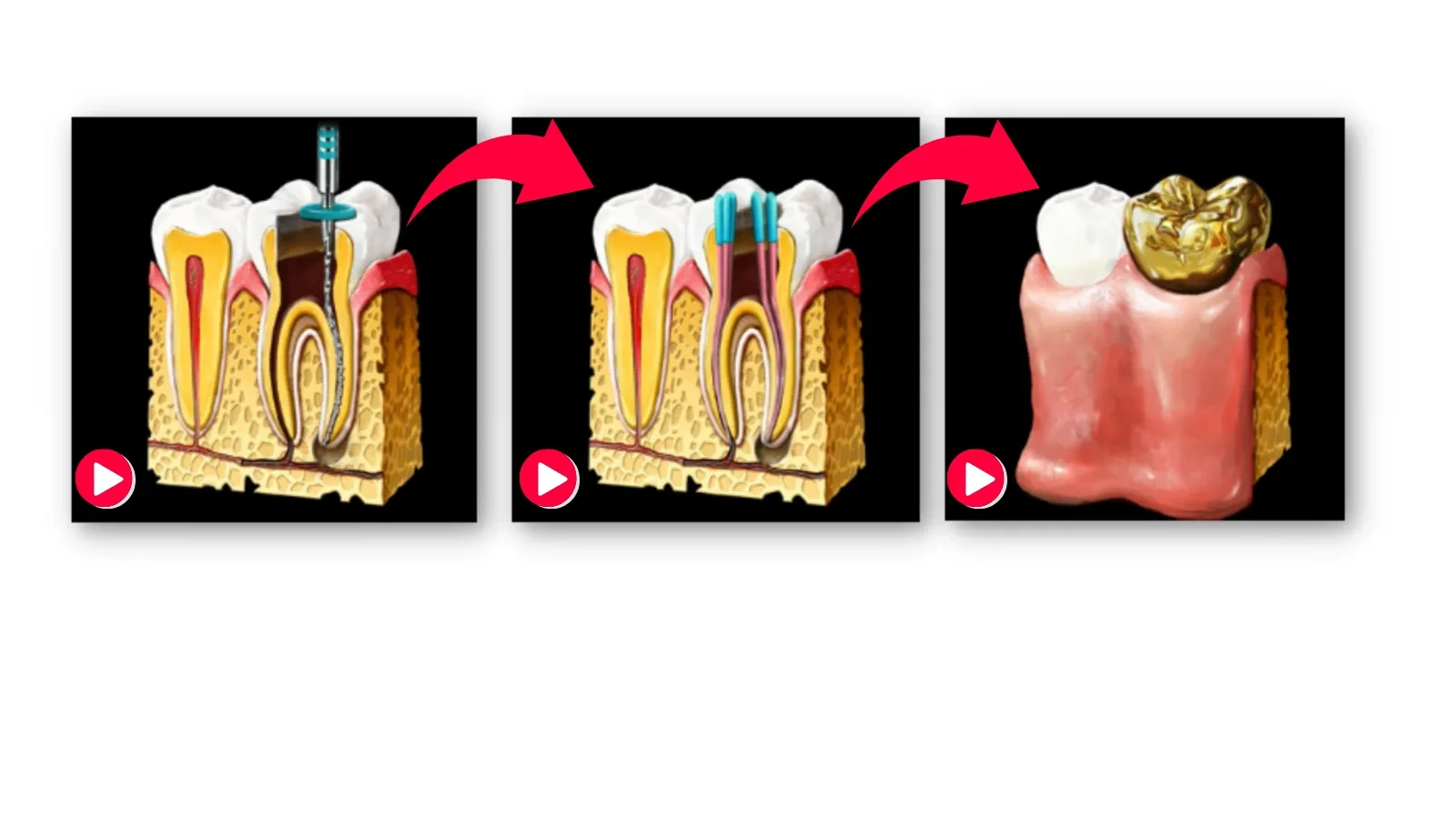
Virtual Consultation Tool. Over 200 animations cover the treatments a general practice actually proposes, from a single restoration to full-arch rehabilitation. Show the patient not just what the procedure is, but why it applies to the case on the screen in front of them. Understanding, not persuasion, is what closes the treatment plan.
-
41-Layer Insight Pan. Insight Pan captures a multi-layered panoramic image — 41 images, each sliced at 0.2 mm across a single focal trough — so you can explore the region of interest rather than accept one plane of it. It supports accurate reading of periapical disease, periodontitis and pericoronitis, and it finds hidden roots and canals a conventional panoramic misses.
-
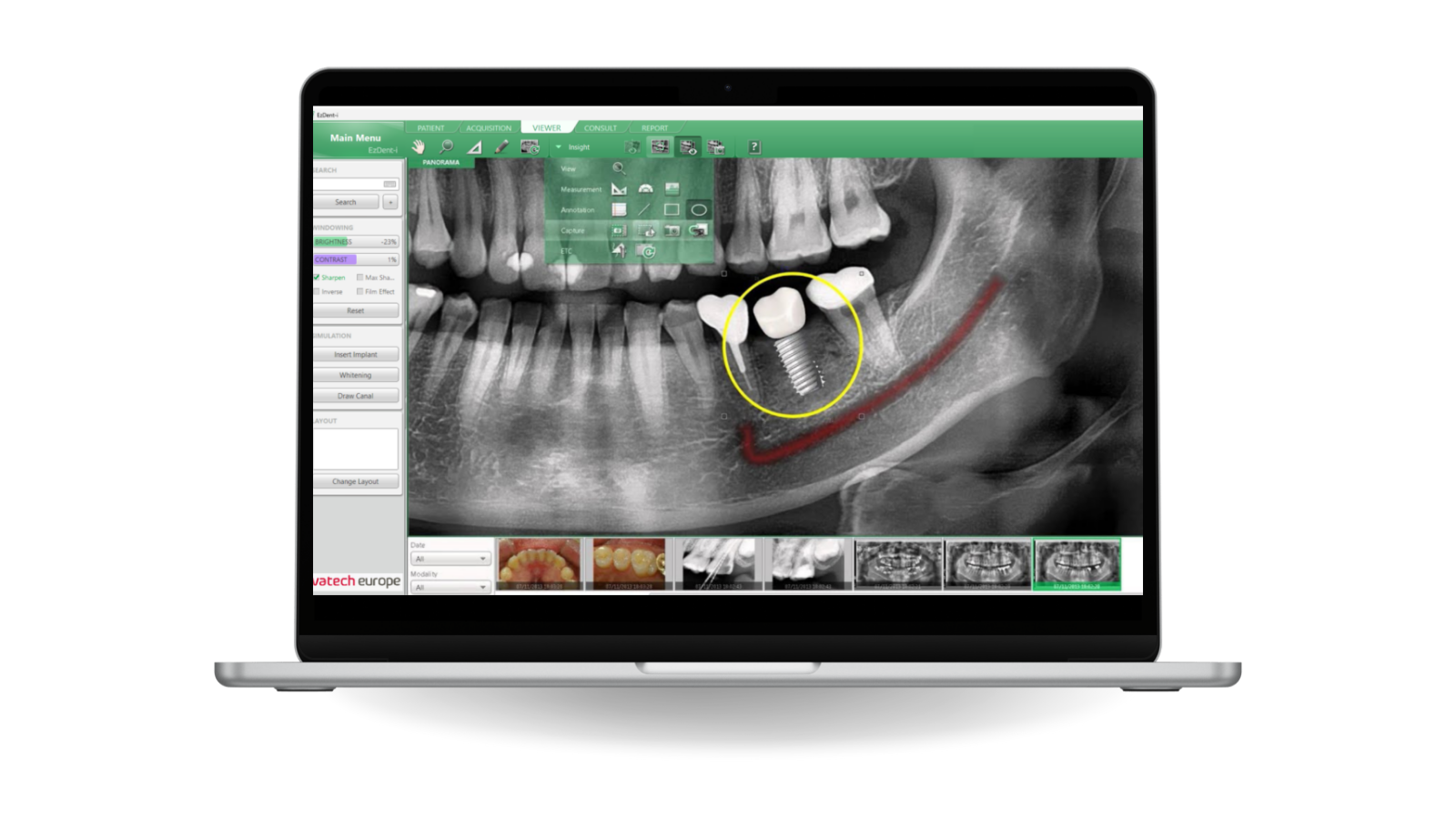
Powerful Implant Simulation. Place an implant in two steps: measure, then select the tooth number. Virtual fixtures and crowns show the patient what the finished result will look like in their own anatomy, not in a stock illustration. What used to be a separate planning exercise happens inside the consultation.
-
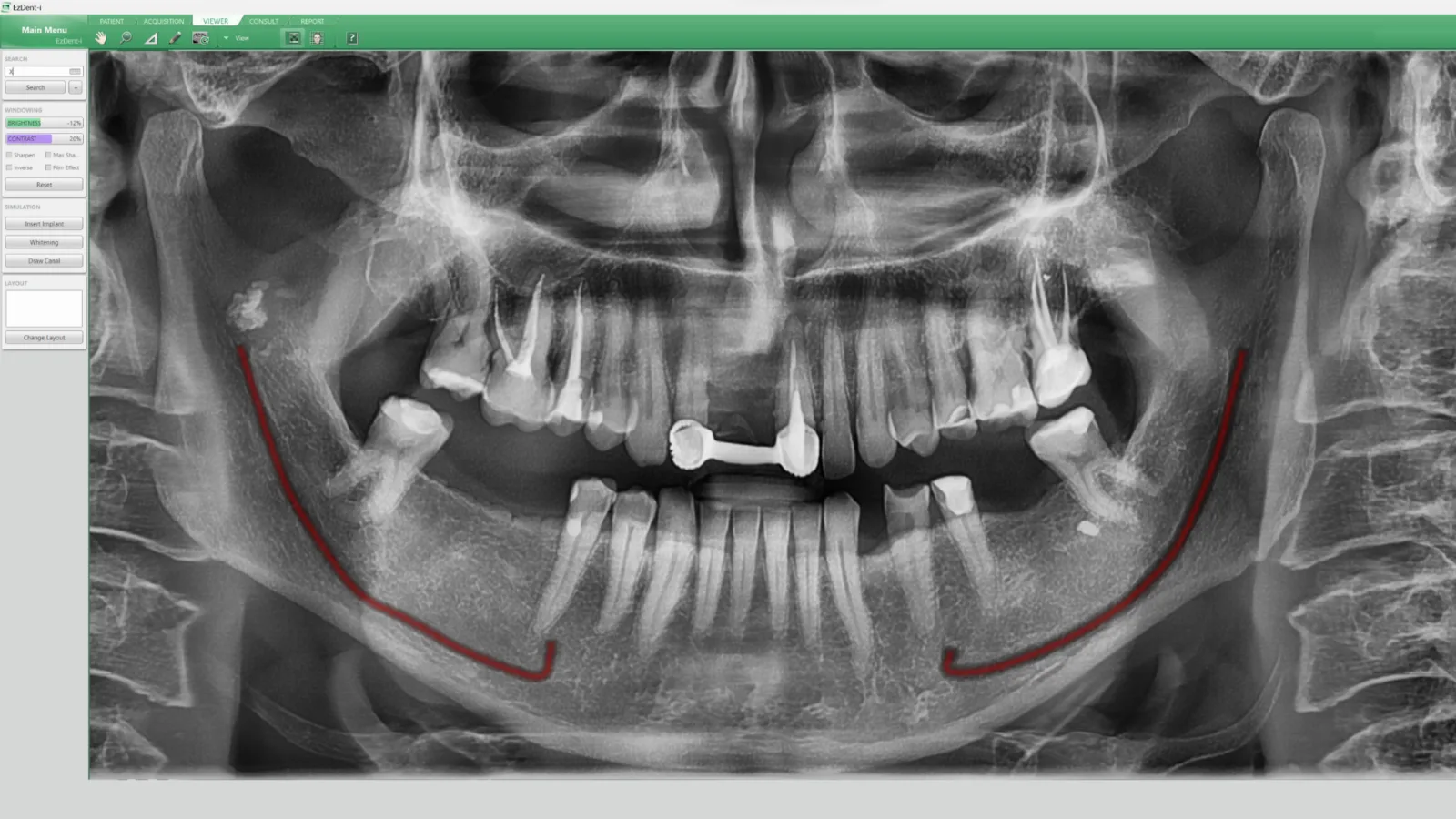
Canal Draw Simulation. Map the nerve canal simply and realistically straight onto the digital image, so its position is unambiguous for the rest of the plan. The drawn canal stays with the case and is visible in every subsequent view. Both the clinician and the patient can see exactly what the surgery has to avoid.
-
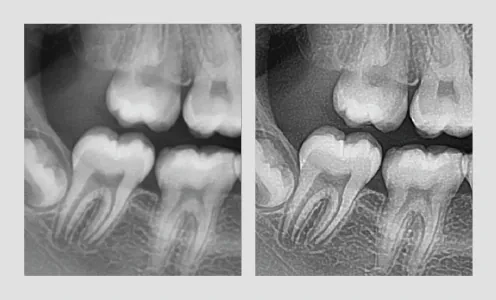
Image Enhancement. The revamped Sharpening and Max Sharpening tools push detail further out of the exposure you already have, without a retake. Filters can be switched quickly to suit what you are looking for — higher contrast for periodontal reading, lower for caries. Fewer retakes means less dose for the patient.
-
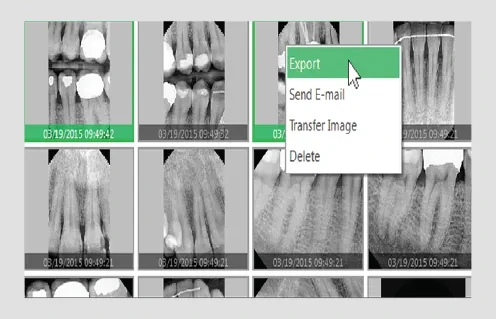
My Consult Box & Case Management. Keep every consultation resource — photographs, videos, documents — in custom folders ready for the appointment, instead of hunting for them mid-conversation. Build the case with multiple reporting layouts, export it as a PDF, save it in the software and share it. The record of what you explained is as durable as the record of what you found.
Watch it work
Short clips of the tools that do the most work in a normal day.
What EzDent-i needs to run
Minimum specification
| CPU | Intel i5-7600 @ 3.50 GHz or higher |
| RAM | 4 GB or more |
| HDD | 512 GB — 7,500 RPM SATA or above |
| OS | Windows 10 Professional 64-bit or higher |
| Display | 1920 × 1080 or higher recommended |
Specifications are subject to change. Tell us your current PC specification and we'll confirm compatibility before you buy.
Runs with every VATECH system you own
Installation, migration of your existing records and staff training are part of the handover, backed by VATECH123 support.
Inside the software
The screens your team will actually work in, day to day.
Frequently asked questions
Is EzDent-i included with a VATECH system?
EzDent-i is the acquisition and viewing software for VATECH imaging systems. Talk to us about the licensing that applies to your configuration.
What is Insight Pan?
A multi-layered panoramic capture — 41 images sliced at 0.2 mm across one focal trough — so you can move through the region of interest instead of relying on a single plane. It helps with periapical disease, periodontitis and pericoronitis, and reveals hidden roots and canals.
Does it work with my practice-management software?
Yes. EzDent-i integrates with the major practice-management programs, and with Clever Dent it goes further — images upload to the patient file automatically.
Can I show patients what a treatment involves?
Yes. The Virtual Consultation Tool carries over 200 animations, and you can build your own resource folders in My Consult Box for the cases you explain most often.
Can I export cases and share them?
Yes. Cases can be built with multiple reporting layouts, exported as PDF, saved in the software and shared with the patient or a referring colleague.
Get a demo of EzDent-i
No obligation. A VATECH representative will walk you through it, in your clinic or online.
The rest of the workflow
VATECH software and hardware are designed as one system — capture, diagnose, explain, and run the practice.
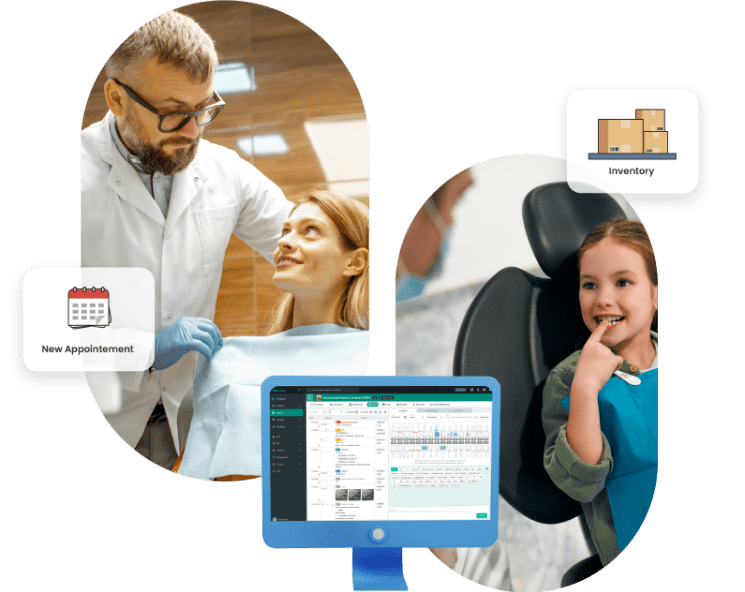
Clever Dent
Cloud practice-management software that runs the whole clinic — patients, appointments, inventory, salaries and CRM — and files your VATECH images automatically.
Learn more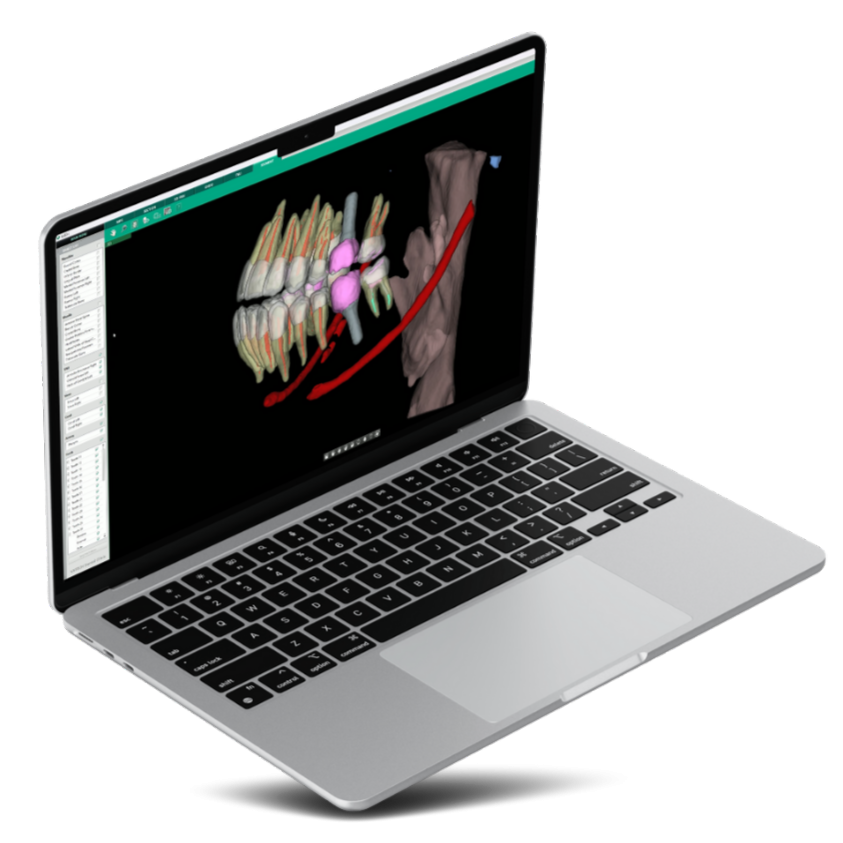
Ez3D-i
Quick, accurate 3D diagnosis for every dentist — AI segmentation, two-click endo tracing and three-click implant planning on your CBCT data.
Learn more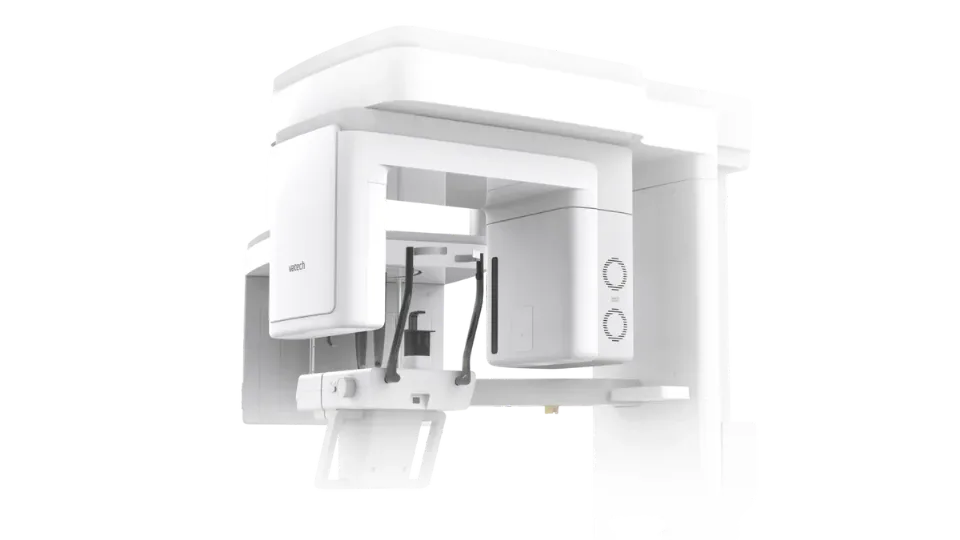
Green X
All-in-one 4-in-1 imaging — Panoramic, CBCT, Cephalometric and 3D Model Scan in a single system.
Learn more