
Ez3D-i
Cutting-edge software for cutting-edge diagnostics
- Windows 10/11
- 64-bit
- GPU required
What it does
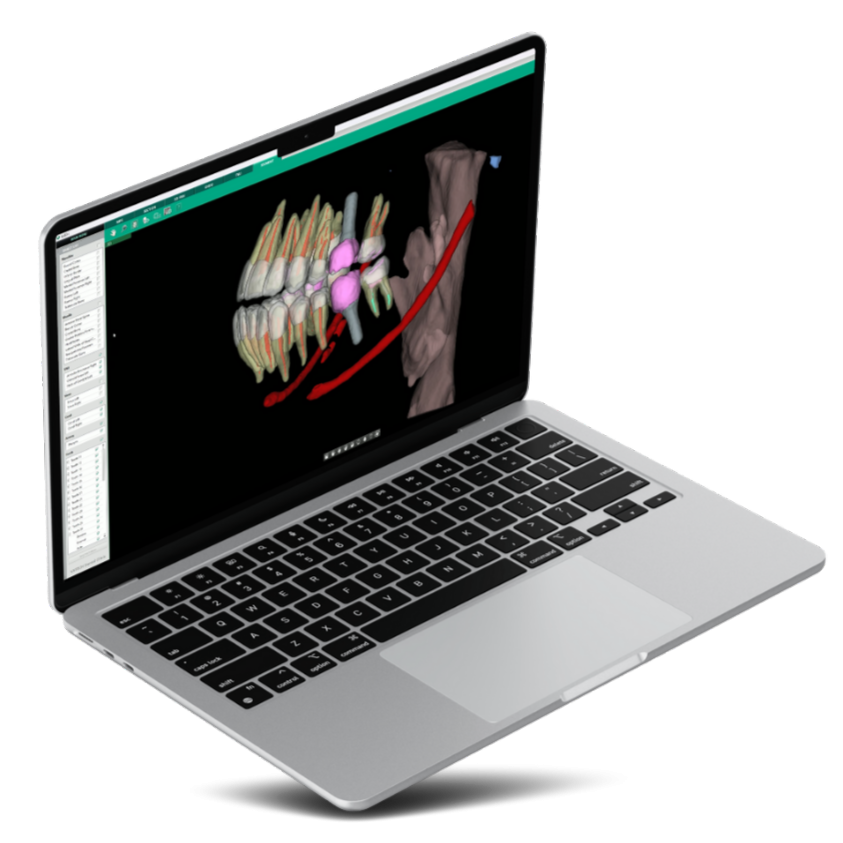
Ez3D-i is built on the premise that 3D software should not require a 3D specialist. Powered by a VR graphics engine, it gets you to the correct perspective for a true-to-measurement diagnosis in a few clicks rather than a few minutes of axis-wrangling. AI does the tedious part — segmenting anatomy, tracing canals, measuring — so the clinician spends the time on the decision instead of the setup.
See Ez3D-i on your own cases
Book a walkthrough and we'll run it against the kind of work your clinic actually does.
Take a closer look.



-
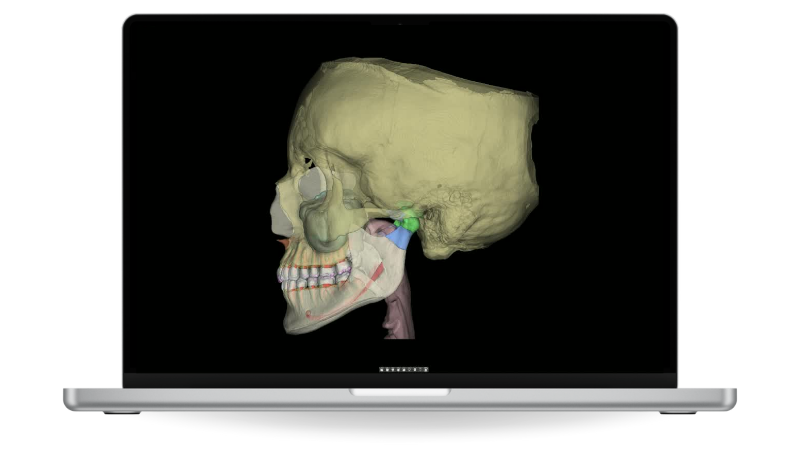
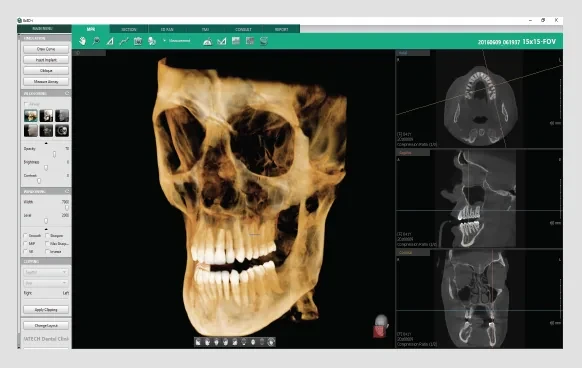
AI Anatomical Segmentation. Automatic segmentation identifies up to 135 anatomical structures from the scan without manual outlining, turning an hour of preparation into a step you barely notice. What you get back is a model you can actually plan against rather than a stack of slices. It is the difference between owning a CBCT and using one.
-
Two-Click Endo Tracing. Trace a root canal in two clicks and read its length and diameter straight off the result, at a 49.5 µm Endo mode resolution. Anatomy that a panoramic image would only hint at is measured rather than estimated. Endodontic planning stops depending on how good your guess is.
-
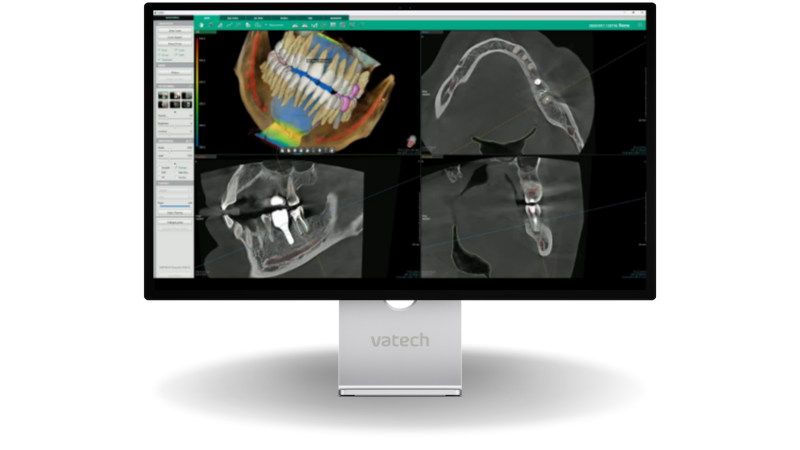
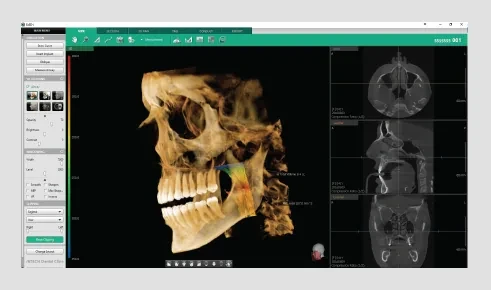
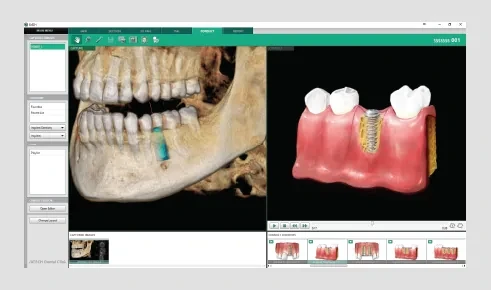
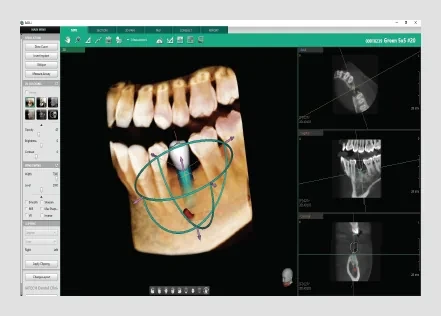
Three-Click Implant Simulation. Insert an implant system in a few straightforward clicks, with collision detection between the fixture and the canal, 3D bone-density verification and oblique viewing to check the approach. Crown mirroring shows the restoration in the patient's own occlusion. The visual impression is what carries the case-acceptance conversation.
-
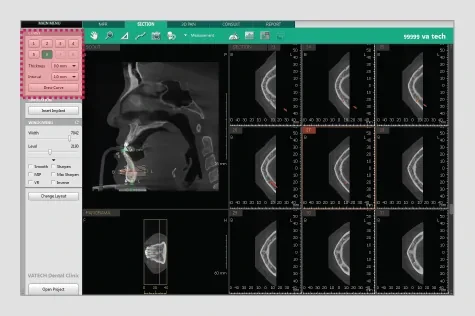
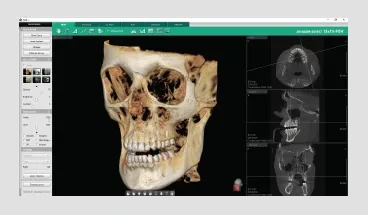
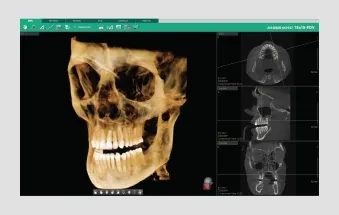
Quick Navigation & VR Colouring. Stop positioning axes by hand — click the volume rendering and go straight to the region of interest. Five colouring modes (teeth, bone, soft-tissue bone, MIP and soft tissue) plus 2D filters let you read the same data several ways in seconds. The perspective you need is a click away, not a setup.
-
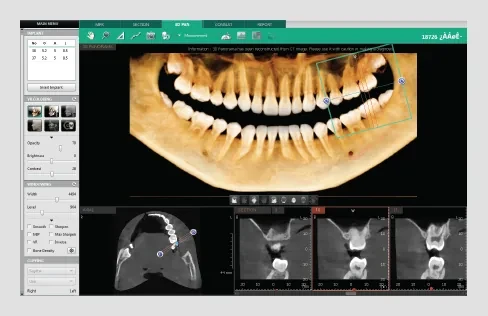
Airway, Panoramic & Sectional Analysis. Two-click airway analysis, 3D panoramic navigation, multiple sectional curves and segmentation tools cover the assessments a general practice makes most often. The clipping function delivers sectional views of high-quality volume rendering in any direction. Patients understand a lesion far faster from a cross-section than from a description.
-
Merge CBCT with Intraoral Scans. Bring an intraoral scan together with the CBCT volume so hard tissue and surface anatomy are read in the same space. Planning that used to move between two applications happens once, against one model. Fewer handoffs means fewer places for an error to enter.
-
Presentation & Export. Presentation mode, over 200 consultation videos and one-step diagnosis-image capture turn the finding into something a patient can follow. Drag-and-drop layouts combine images quickly for a report you can send by email or PDF, or write to CD and DICOM print at 1:1 sizing with your clinic logo. The case leaves the operatory in the form the recipient needs.
Watch it work
Short clips of the tools that do the most work in a normal day.
What Ez3D-i needs to run
Minimum specification
| CPU | Intel i7 2.6 GHz or higher |
| RAM | 8 GB or more |
| HDD | 512 GB — 7,500 RPM SATA or above |
| Graphics | Quadro RTX 4000, NVIDIA GTX 1660, RTX 2060 or equivalent — 6 GB or more |
| OS | Windows 10 Professional 64-bit or higher (Windows 11 compatible) |
| Display | 1920 × 1080 or higher recommended |
Specifications are subject to change. Tell us your current PC specification and we'll confirm compatibility before you buy.
Runs with every VATECH system you own
Installation, migration of your existing records and staff training are part of the handover, backed by VATECH123 support.
Inside the software
The screens your team will actually work in, day to day.
Frequently asked questions
Do I need to be a 3D specialist to use it?
No — that is the point of the design. Navigation is by clicking the volume rendering rather than positioning axes, and the AI tools do the segmenting and measuring that used to take training and time.
What does the AI actually do?
It segments up to 135 anatomical structures automatically, traces root canals in two clicks with length and diameter, and supports implant planning with crown mirroring.
Can I plan implants in it?
Yes. Implant simulation takes a few clicks and includes implant-to-canal collision detection, 3D bone-density verification and oblique viewing.
Will it run on my current PC?
Ez3D-i needs a dedicated graphics card with 6 GB or more — an RTX 2060, GTX 1660, Quadro RTX 4000 or equivalent — alongside an i7 and 8 GB of RAM. Send us your specification and we will check it before you buy.
Can I combine a CBCT with an intraoral scan?
Yes. Ez3D-i merges intraoral scan data with the CBCT volume so hard tissue and surface anatomy are planned against one model.
How do I share a case?
Drag-and-drop report layouts export by email or PDF, and cases can be written to CD or DICOM-printed at 1:1 sizing with your clinic logo.
Get a demo of Ez3D-i
No obligation. A VATECH representative will walk you through it, in your clinic or online.
The rest of the workflow
VATECH software and hardware are designed as one system — capture, diagnose, explain, and run the practice.

Clever Dent
Cloud practice-management software that runs the whole clinic — patients, appointments, inventory, salaries and CRM — and files your VATECH images automatically.
Learn more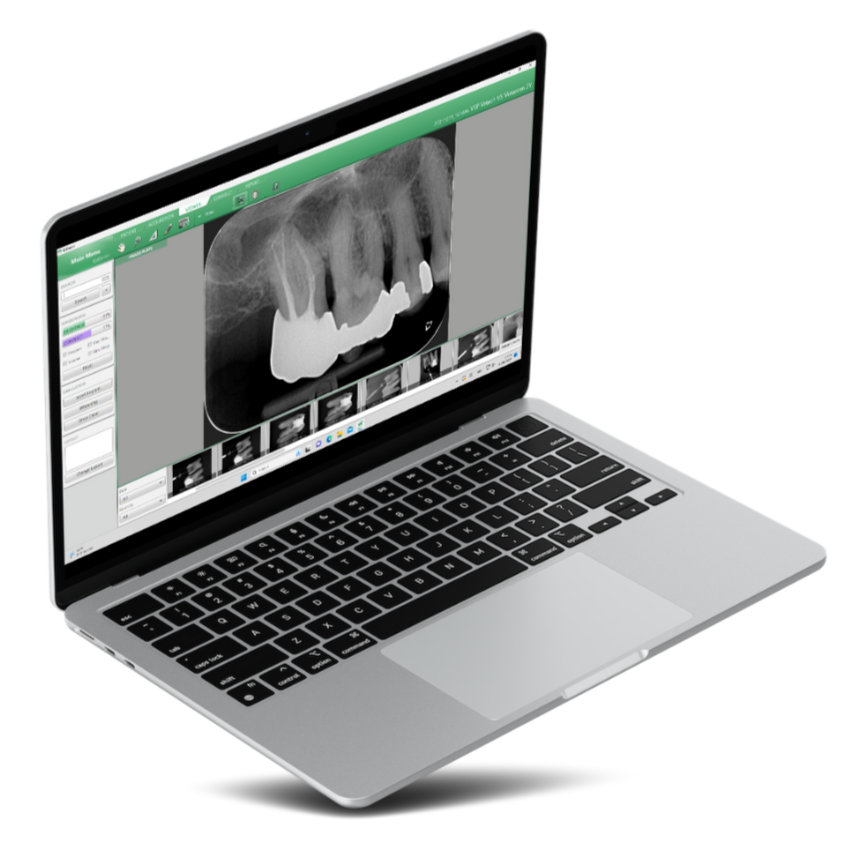
EzDent-i
The clinical imaging and patient-consultation platform behind every VATECH system — diagnosis and explanation on one screen.
Learn more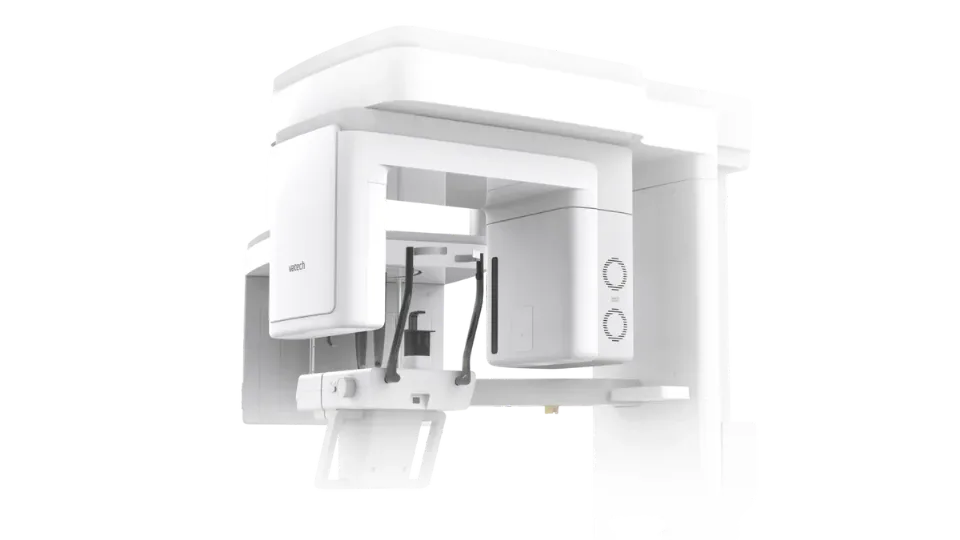
Green X
All-in-one 4-in-1 imaging — Panoramic, CBCT, Cephalometric and 3D Model Scan in a single system.
Learn more