
First patient of the day
Bitewings taken and read before the chair is even reclined back.
No darkroom tripVATECH digital imaging is built around ergonomics and efficiency, giving dentists a faster workflow that saves valuable time while increasing productivity and income.
Convenience is not one big saving. It is a small one, six or seven times a day, every day.
Bitewings taken and read before the chair is even reclined back.
No darkroom tripWorking-length check on screen while the file is still in place.
No waiting mid-procedureAn unscheduled patient imaged and assessed without disrupting the list.
No processing queueFull series presented to the patient as part of the conversation.
No mounting or labellingPrevious images recalled side by side in a keystroke.
No cabinet searchNothing left to develop, mount, file or dispose of.
No end-of-day backlogSix appointments. Not one trip to a darkroom, and nothing left to process at the end of it.
Ergonomics, image quality, ease of use, efficiency, practicality and case presentation are the key points behind VATECH’s design.
Shaped and weighted for the hand that holds it all day, and for the mouth it has to sit in.
The clinical foundation everything else is built on.
A highly automated, user-friendly software interface that a new team member can learn quickly.
A faster workflow than other sensors, at every step of the appointment.
Designed for how a surgery actually runs, not how a brochure says it should.
Images a patient can understand, in a form that supports the conversation.
The best thing imaging software can do is stop being something you think about. A highly automated, user-friendly software interface delivers an easy-to-use X-ray system with a faster workflow than other sensors — and the measure of that is how little of it you have to operate.
Automatic capture
The sensor detects the exposure and brings the image up on its own. Nobody presses a capture button, nobody switches windows, and nobody loses an image because a step was missed while their hands were occupied.
It fits where your records already live
The software is customised to integrate with major practice-management programs, so images land in the patient record you already keep rather than in a second system somebody has to reconcile. As Dr Arjun Sonawane puts it, the software is “easy to understand” — which is the whole objective.
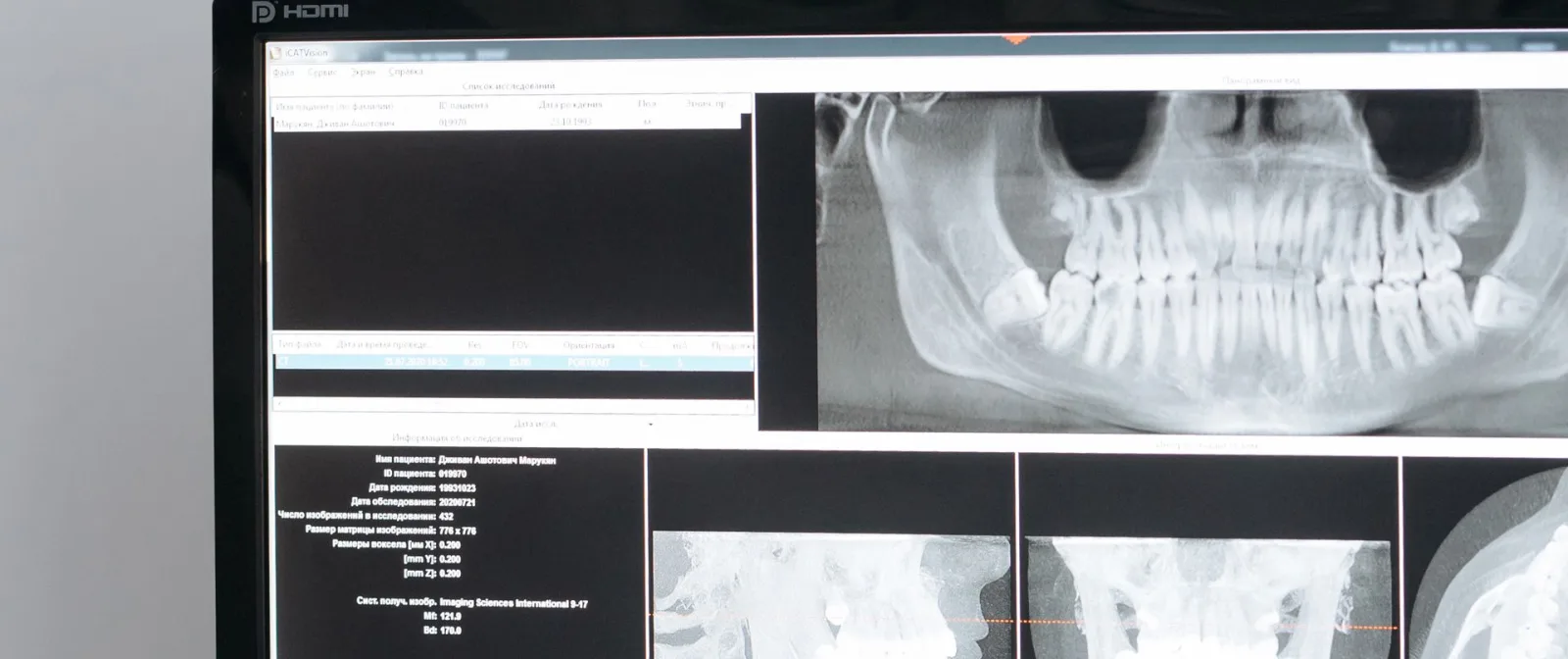
The most valuable moment in an appointment is the one where the patient understands what you are telling them. With film, that moment usually arrives late — after a wait, holding a small transparency up to a light, with the dentist describing something the patient cannot really see.
Digital moves it to the chair. The image is on the screen beside them within seconds of the exposure, at a size they can actually read, while they are still sitting in front of you. Involving them in co-diagnosis builds trust and helps them understand both the problem and the treatment.
The treatment-plan video feature extends that conversation further — a point Dr Arjun Sonawane makes directly, calling it “very helpful in clearing the doubts of patients”. A patient who has seen the problem and understood the plan is a patient who accepts it.
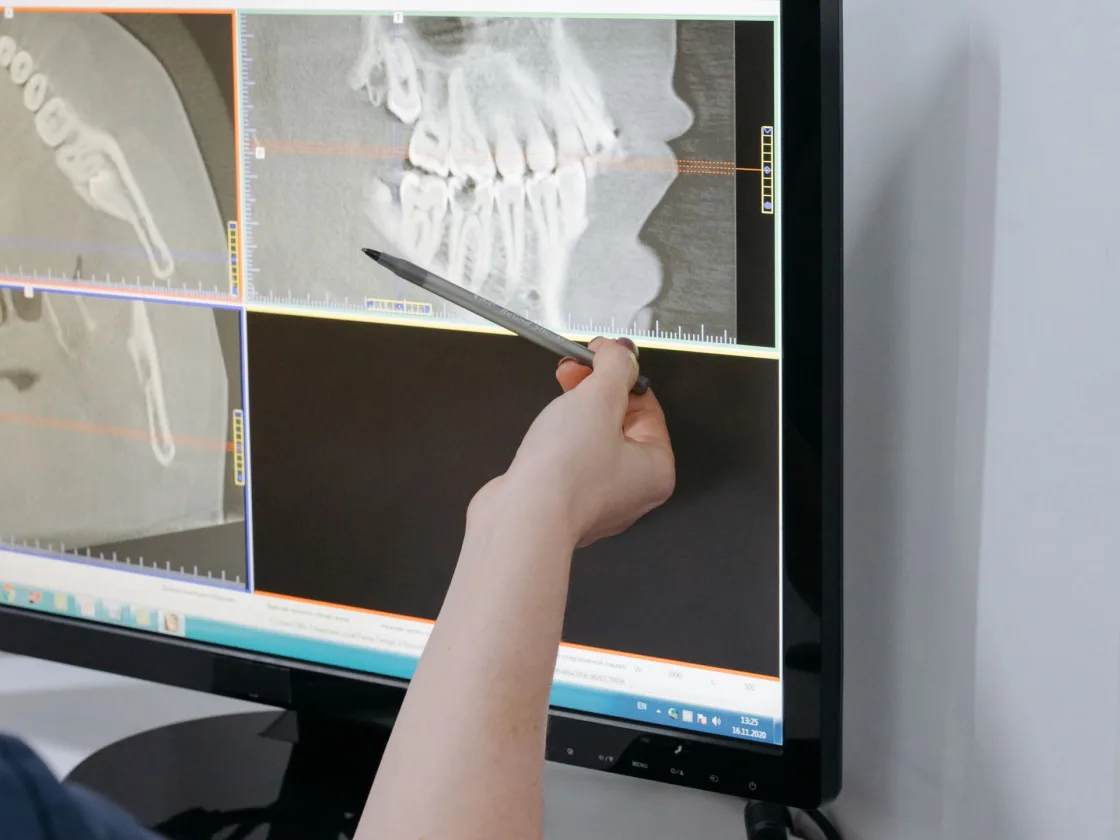
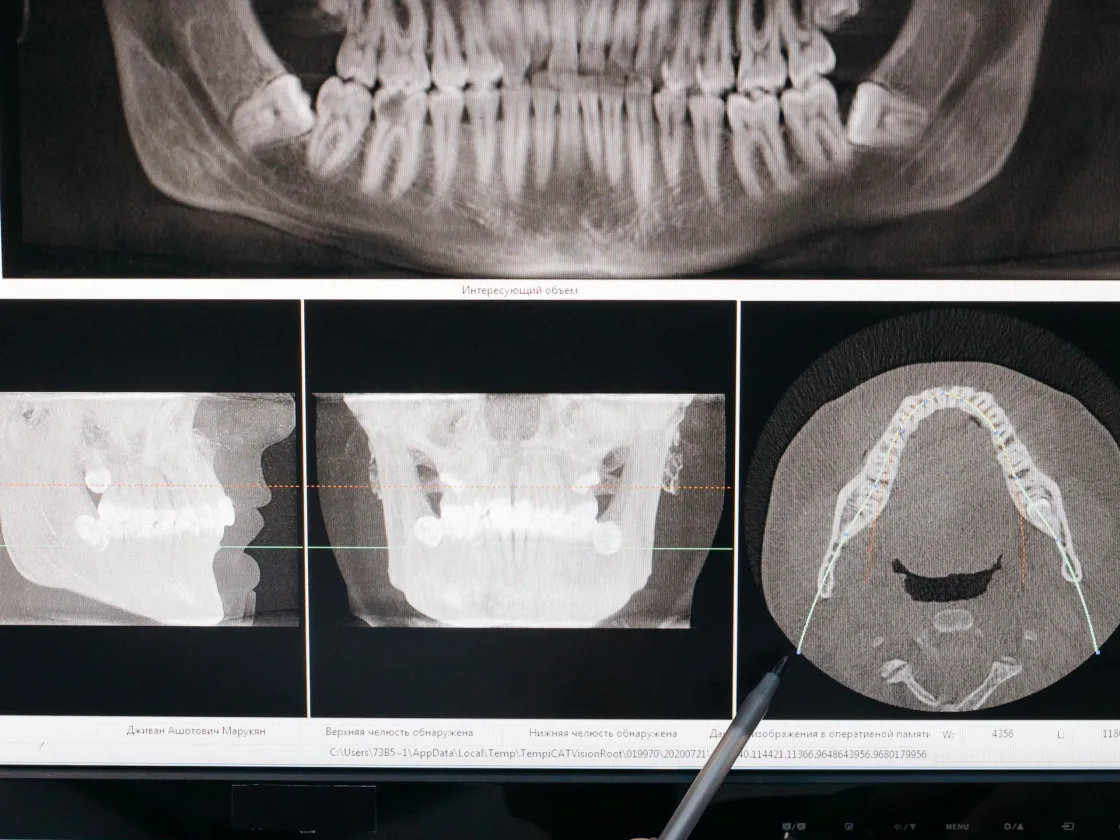
The single-sensor concept makes the system universally applicable, easy to learn and simple to use — so switching does not mean shutting the clinic.
The portable unit is very convenient to use single-handed. The quality of the radiograph is excellent, especially the contrast.
In one word, Vatech is convenient.Dr Padmaja Pithani, Kerala
Book a free demo at your clinic and feel the workflow difference for yourself.